 pipmoth
Guide
How to pick a game from your pile
April 2026
I used to keep my games in a list in the Notes app on my phone. When I wanted something to play, I would scroll through it at random and see where I landed. The list became an Excel sheet, and the sheet became Next2Play. It was about a hundred games long when I switched, and I have added many since.
Every game I’ve played since has come from the picker. Right now that is Mind Diver.
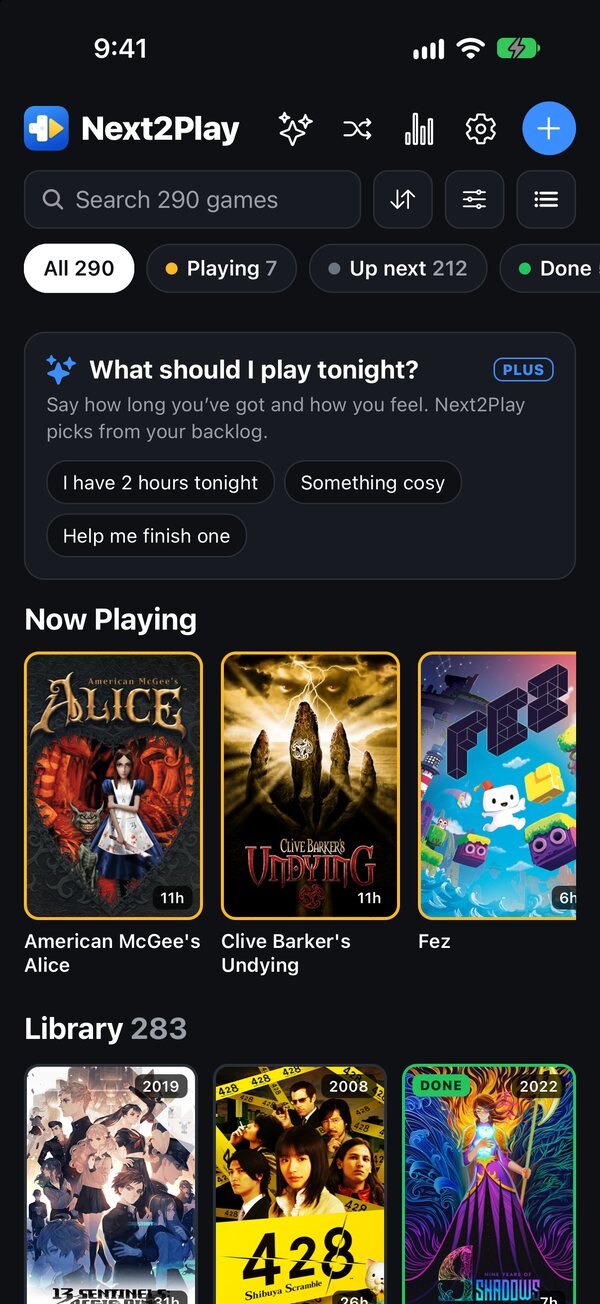
You don’t need an app for any of this. Here are four ways through a long backlog.
1. Start with the time you have
Before you look at any titles, decide whether you have an evening, a weekend or a month. Then look up how long each game takes. HowLongToBeat lists times for the main story, for the main story with extras, and for seeing everything. Cross off what doesn’t fit.
2. Finish something short
If the pile itself is the problem, play the shortest thing on it. The list gets smaller and you get an ending.
3. Choose between three
Take three games from the list and close it. Pick one of those. Three is easy to compare and a hundred is not.
4. Let chance decide
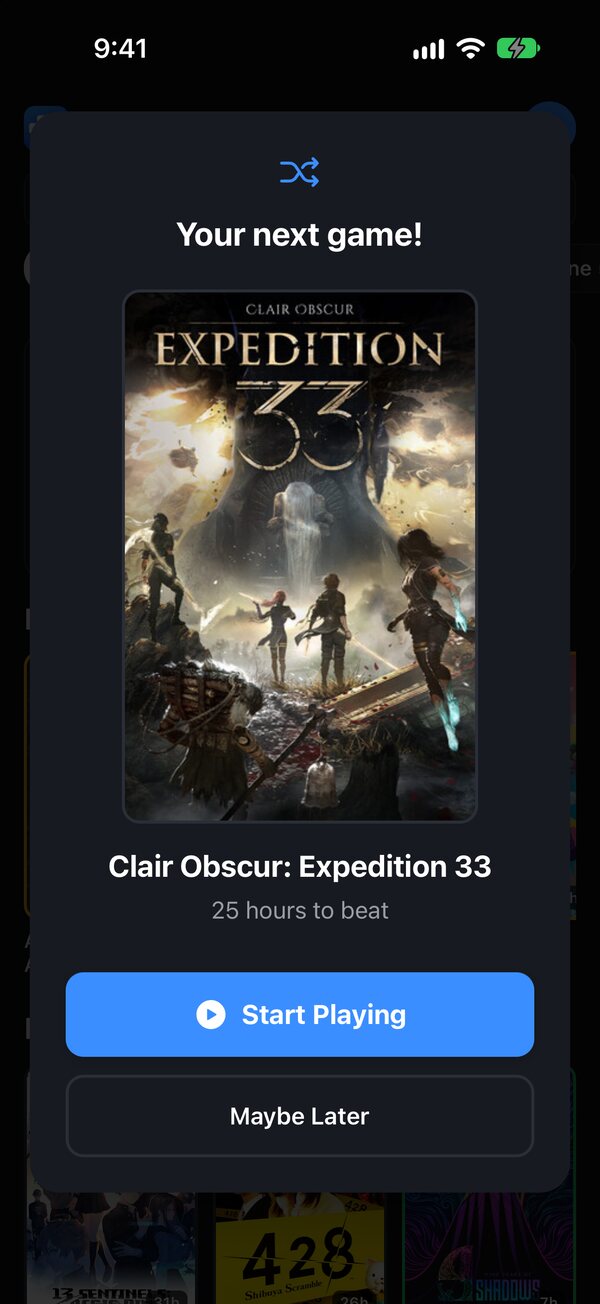
Give every unstarted game a number and roll for it. If you feel let down by the result, you have learned which game you were hoping for. Play that one.
Give it a fair try
Whatever you pick, set a point where you are allowed to stop, such as an hour or the end of the first area. A game you set aside on purpose is a decision made. Mark it as put down, and take the next one.
If you would like it done for you
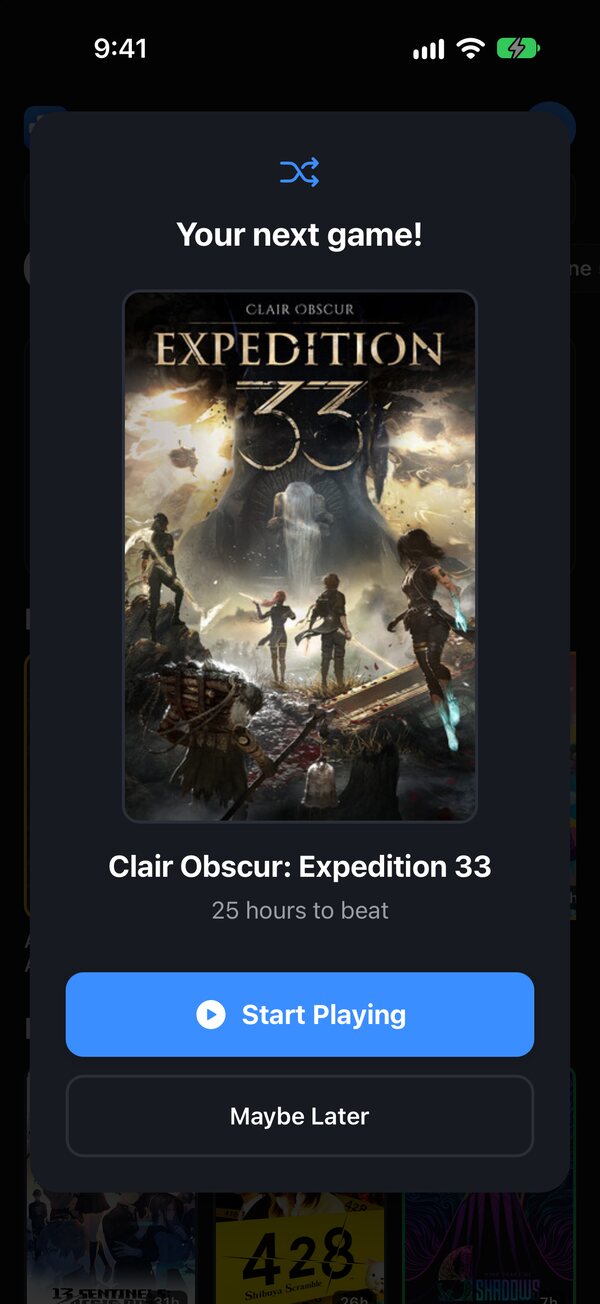
Next2Play is built around how I pick games. It keeps the list, fills in times from HowLongToBeat, and has a random picker that draws from the games you haven’t started. It is free on iPhone.
Liam